
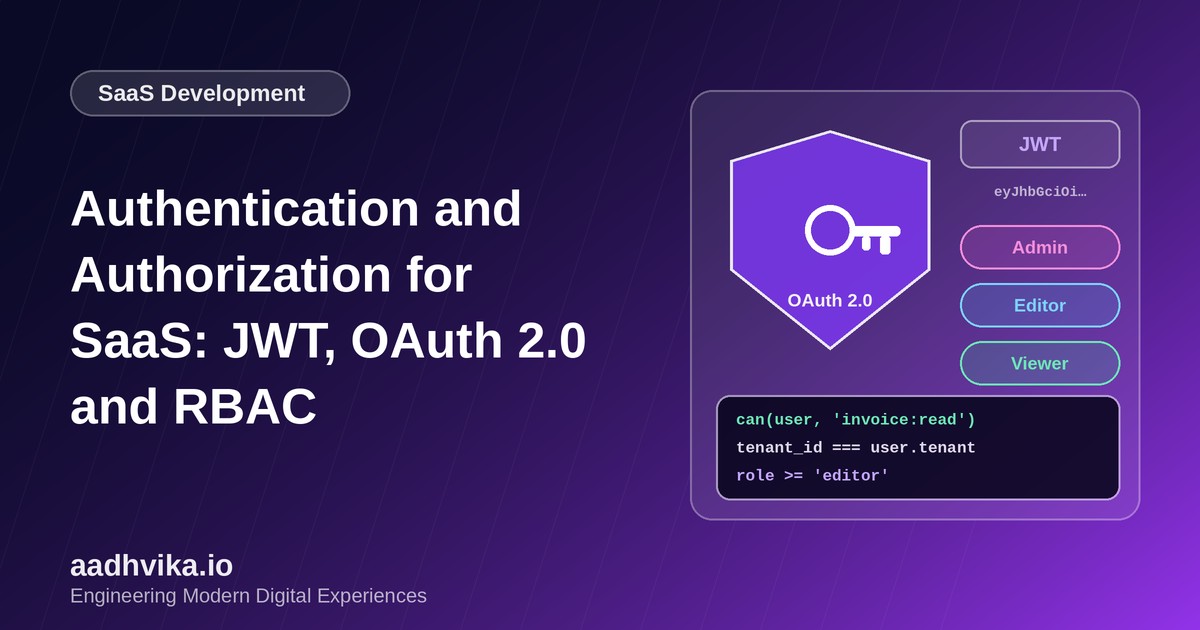
Every SaaS product answers two questions on every request: who is this user, and what are they allowed to do? The first is authentication, the second is authorization. They are often mixed up, and mixing them up is how data leaks happen. This guide walks through the choices that matter for a multi-tenant product.
Authentication vs authorization
Authentication proves identity: a password, a magic link, a passkey or a Google sign-in. Authorization decides what that identity can see and change: can this person view invoices, invite teammates, or delete a workspace? Get authentication wrong and attackers get in. Get authorization wrong and legitimate users see things they should not, which in a multi-tenant product can mean another customer's data.
Sessions or JWTs?
There are two common ways to remember a signed-in user.
- Server-side sessions: the server stores session data and gives the browser an opaque ID in a cookie. Sessions are easy to revoke and hard to misuse, and they are a strong default for web apps.
- JSON Web Tokens (JWTs): a signed token carries the user's claims, so servers can verify it without a database lookup. They suit APIs, mobile apps and service-to-service calls, but they are hard to revoke before they expire.
If you use JWTs, keep access tokens short-lived, around 15 minutes, and pair them with a longer-lived refresh token that you can revoke. Store tokens in httpOnly, secure cookies rather than local storage so that a cross-site scripting bug cannot steal them.
OAuth 2.0 and social sign-in
OAuth 2.0 lets users sign in with an existing account, and OpenID Connect adds a standard way to receive their identity. For web and mobile apps use the authorization code flow with PKCE. Avoid the old implicit flow. Offering Google or Microsoft sign-in cuts friction and password risk, and enterprise customers will later ask for SSO through SAML or OIDC, so choose an identity library or provider that supports it.
Modern sign-in options
- Passkeys: phishing-resistant and easy to use, and supported on all major platforms.
- Magic links: no password to store, but tie them to a single-use, short-lived token.
- Multi-factor authentication: require it for admins and offer it to everyone.
Role-based access control
RBAC assigns permissions to roles and roles to users. A typical SaaS product starts with three roles: Admin, Editor and Viewer. Define permissions as verbs on resources, such as invoice:read or member:invite, and map roles to those permissions in one place. As you grow, add attribute-based rules, for example an editor may only edit projects they belong to.
Enforce tenant isolation everywhere
In a multi-tenant system, every query must be scoped to the caller's tenant. Do not rely on the front end to hide data. Put the tenant check in a shared data-access layer, or use row-level security in your database, so a forgotten filter cannot expose another customer's records. Always check on the server that the resource ID in the URL actually belongs to the caller's tenant.
Security checklist
- Hash passwords with a modern algorithm such as Argon2 or bcrypt.
- Rate-limit sign-in and password reset endpoints.
- Rotate refresh tokens and invalidate them on logout and password change.
- Log sign-ins and permission changes for audit.
- Never put secrets or sensitive personal data inside a JWT payload, because it is only encoded, not encrypted.
Conclusion
Good authentication feels invisible to users and boring to attackers. Choose sessions or short-lived JWTs deliberately, use OAuth with PKCE for social sign-in, express permissions through clear roles, and enforce tenant isolation on the server every time.