
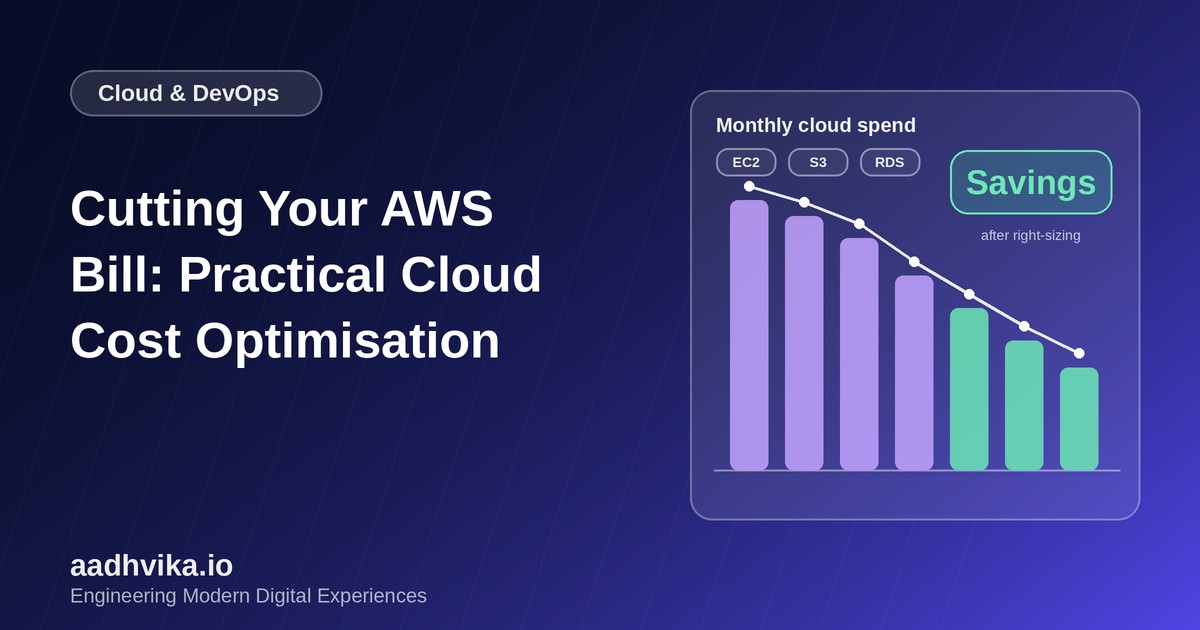
Cloud bills have a habit of growing quietly. A few test servers that were never turned off, storage that keeps piling up and oversized databases can turn a modest monthly invoice into a serious line item. The good news is that most startups can cut a significant share of their AWS spend without touching product performance. Here is the playbook we follow.
Step 1: Get visibility first
You cannot optimise what you cannot see. Before changing anything:
- Enable AWS Cost Explorer and review spend by service, region and account.
- Apply a consistent tagging scheme (for example
project,environment,owner) so costs can be attributed to teams and products. - Set up AWS Budgets with alerts so unexpected spikes reach you within days, not at month end.
Step 2: Remove waste
The fastest savings usually come from deleting things nobody uses.
- Stop or terminate idle EC2 instances and unused load balancers.
- Delete unattached EBS volumes, old snapshots and unused Elastic IP addresses.
- Shut down development and staging environments outside working hours with a simple schedule.
- Remove unused NAT gateways, which carry hourly and data-processing charges.
Step 3: Right-size your resources
Many workloads run on instances far larger than they need. Use CloudWatch metrics and AWS Compute Optimizer to check average CPU and memory utilisation, then move to a smaller instance family or size when usage is consistently low. Consider Graviton (ARM) instances, which often deliver better price-performance for web and API workloads.
Step 4: Pay less for what you keep
- Savings Plans and Reserved Instances: commit to a steady baseline of usage in exchange for a lower rate, and keep spiky usage on demand.
- Spot Instances: ideal for fault-tolerant work such as batch jobs, CI runners and background processing.
- Auto Scaling: scale capacity with real traffic instead of provisioning for the peak all day.
Step 5: Optimise storage and data transfer
- Use S3 lifecycle rules to move older objects to cheaper tiers such as Infrequent Access or Glacier, and expire data you no longer need.
- Enable S3 Intelligent-Tiering for data with unpredictable access patterns.
- Put a CDN such as CloudFront in front of static assets to reduce data transfer and improve speed.
- Keep chatty services in the same region and availability zone where possible, since cross-zone and cross-region traffic is billed.
- Set log retention periods, because CloudWatch logs stored forever quietly add up.
Step 6: Review databases
Databases are often the largest single cost. Right-size RDS instances, remove unused read replicas, use storage autoscaling carefully and consider serverless options for workloads with intermittent traffic.
Make it a habit, not a project
- Review the bill monthly with engineering and finance together.
- Add cost estimates to architecture and pull request reviews for new infrastructure.
- Define infrastructure as code so environments can be created and destroyed on demand.
- Track cost per customer or per feature, so pricing decisions are based on real numbers.
Conclusion
Cloud cost optimisation is not about spending as little as possible; it is about spending deliberately. Start with visibility, remove waste, right-size, and only then commit to discounts. Repeat regularly and your infrastructure will scale with your revenue rather than ahead of it.