
Almost every SaaS product hits the same wall. The app feels fast with a few hundred customers, then a year later the main dashboard takes six seconds to load and nobody changed the code. In most cases the culprit is the database, and in most of those cases the fix is a better index or a better query, not bigger servers.
What an index actually does
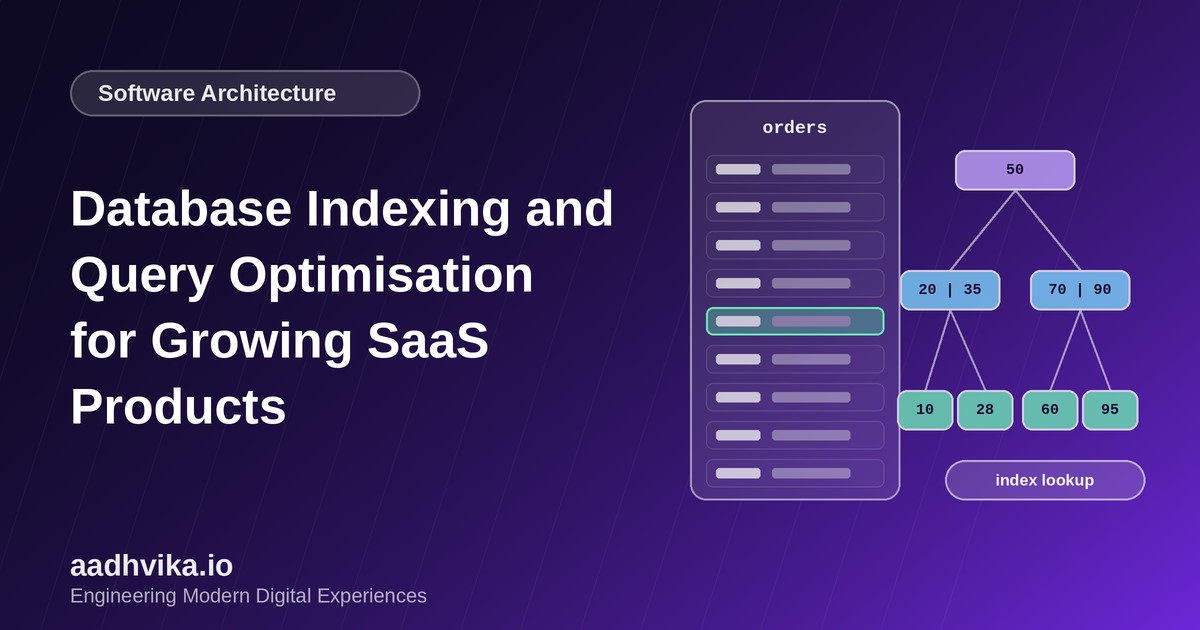
Without an index, the database answers a query by reading every row in the table and checking whether it matches. That is a sequential scan, and its cost grows with the size of the table. An index is a separate, sorted structure, usually a B-tree, that lets the database jump straight to the matching rows. Think of it as the index at the back of a book: you look up the term and go to the page instead of reading the whole book.
Read the query plan before you change anything
Every major database can show you how it plans to run a query. In PostgreSQL and MySQL that is the EXPLAIN command, and EXPLAIN ANALYZE also runs the query and reports real timings. Look for three things:
- Sequential scans on large tables, which usually mean a missing index.
- A large gap between estimated and actual row counts, which suggests stale statistics.
- Sorts or joins that spill to disk because they process far more rows than they need to.
Indexes that pay off in SaaS apps
- Foreign keys: columns such as tenant_id, user_id and account_id appear in almost every query and join.
- Composite indexes: an index on (tenant_id, created_at) serves the common query of showing a tenant's newest records. Column order matters, so put the equality filter first and the range or sort column second.
- Partial indexes: index only the rows you query, such as status = 'active', to keep the index small and fast.
- Covering indexes: include the extra columns a query needs so the database never has to touch the table.
Common query mistakes
- The N+1 problem: loading a list, then running one extra query per row. Fix it with a join or a batched query.
- SELECT * on wide tables, which pulls data you never use.
- Functions on indexed columns, such as WHERE lower(email) = ..., which stop the index being used unless you index the expression itself.
- Offset pagination on deep pages, which gets slower with every page. Use keyset pagination instead.
Indexes are not free
Every index speeds up reads but slows down writes and takes disk space. A table with a dozen indexes pays for all of them on every insert. Review index usage statistics regularly and drop the ones that are never used. Add indexes in response to real slow queries, not by guessing.
Beyond indexing
Once queries are sound, the next levers are caching hot reads, adding read replicas for reporting workloads, and partitioning very large tables by time or tenant. Try them in that order, because each one adds operational complexity.
How to find slow queries
Turn on the slow query log, or use pg_stat_statements in PostgreSQL, and sort by total time rather than single-query time. A query that takes 20 milliseconds but runs a million times a day matters more than one that takes two seconds once a week.
Conclusion
Database performance is a habit, not a one-time project. Measure with real query plans, add focused indexes, fix the query patterns that create waste, and review the results every quarter. Your customers will notice the speed long before they notice the work behind it.