
A support chatbot that answers "I'm sorry, I didn't understand that" is worse than no chatbot at all. Modern large language models make it possible to build a support agent that genuinely resolves customer questions: it reads your documentation, looks up the customer's own data and knows when to hand over to a human. Getting from a weekend prototype to something you can trust in production takes deliberate design. Here is the path we follow.
Step 1: Define the job clearly
Start by listing the questions your support team answers most often: how-to questions, order or invoice status, password and access issues, plan and billing queries. Pick a narrow set that is high-volume and low-risk, and define what "resolved" means. A focused agent that handles five topics well beats a general one that handles fifty badly.
Step 2: Ground answers in your own knowledge
The agent must answer from your content, not from the model's general memory. Use retrieval-augmented generation (RAG):
- Collect help-centre articles, product docs and resolved tickets.
- Split them into chunks, create embeddings and store them in a vector database.
- At question time, retrieve the most relevant chunks and pass them to the model.
- Instruct the model to answer only from the provided context, cite the source article, and say "I don't know" when the answer is not there.
Step 3: Give it tools, carefully
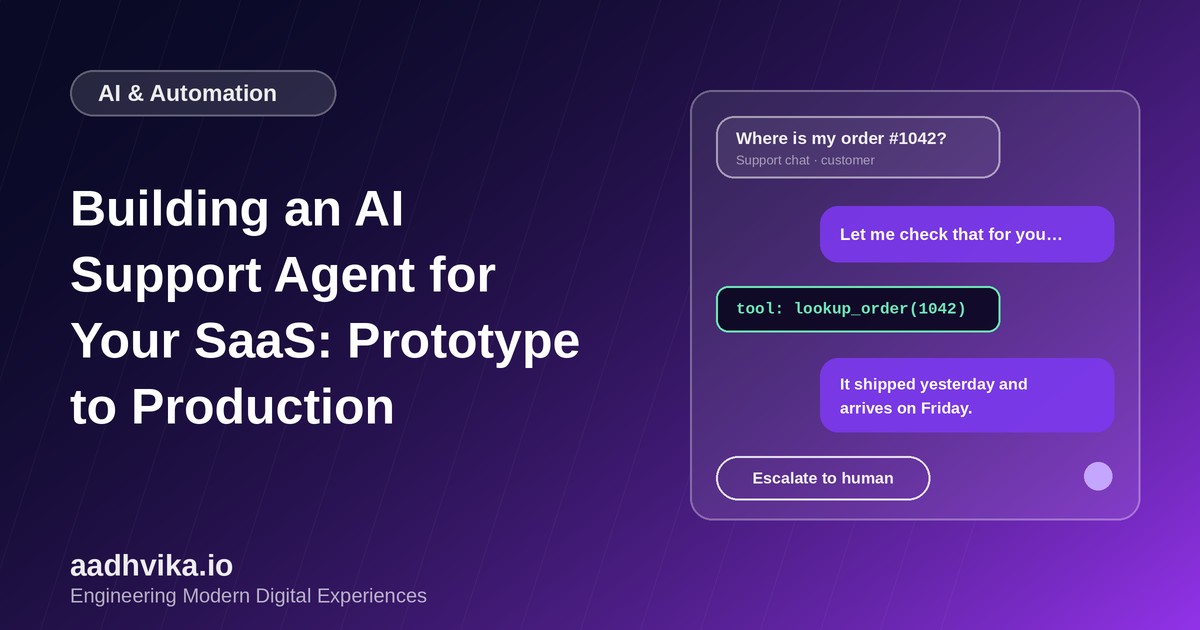
Documentation alone cannot tell a customer where their order is. Expose a small set of well-defined tools such as lookup_order, get_invoice or reset_password_email, and let the model decide when to call them.
- Run tools with the customer's own permissions, never with broad admin access.
- Validate every tool argument on the server before executing.
- Prefer read-only tools first, and require explicit confirmation for anything that changes data or money.
- Cap the number of tool calls per conversation.
Step 4: Design the human handoff
Escalation is a feature, not a failure. Hand over to a person when the customer asks for one, when the agent's confidence is low, when sentiment turns negative or when the topic is sensitive, such as refunds, legal or security issues. Pass the full conversation and what the agent already tried, so the customer never has to repeat themselves.
Step 5: Add guardrails
- Prompt injection: treat all customer messages and retrieved content as untrusted input, and never let them override system instructions.
- Privacy: redact sensitive data before sending it to third-party model providers and restrict retrieval to the customer's own tenant.
- Tone and scope: define what the agent should refuse or redirect, and keep its voice consistent with your brand.
Step 6: Evaluate before you launch
Build an evaluation set of a few hundred real past questions with known good answers. Run every prompt or model change against it and track correctness, citation accuracy and refusal behaviour. Then launch in stages: internal testing, a shadow mode where the agent drafts replies that a human approves, and finally a limited rollout to real customers.
Step 7: Measure in production
- Resolution rate without human help and handoff rate.
- Customer satisfaction on AI-handled conversations.
- Cost and latency per conversation.
- Thumbs up and down feedback, reviewed weekly to improve content and prompts.
Conclusion
A good support agent is a system, not a prompt: grounded knowledge, safe tools, a smooth handoff, guardrails and constant measurement. Start small, prove value on a few topics, and expand as the numbers justify it.