
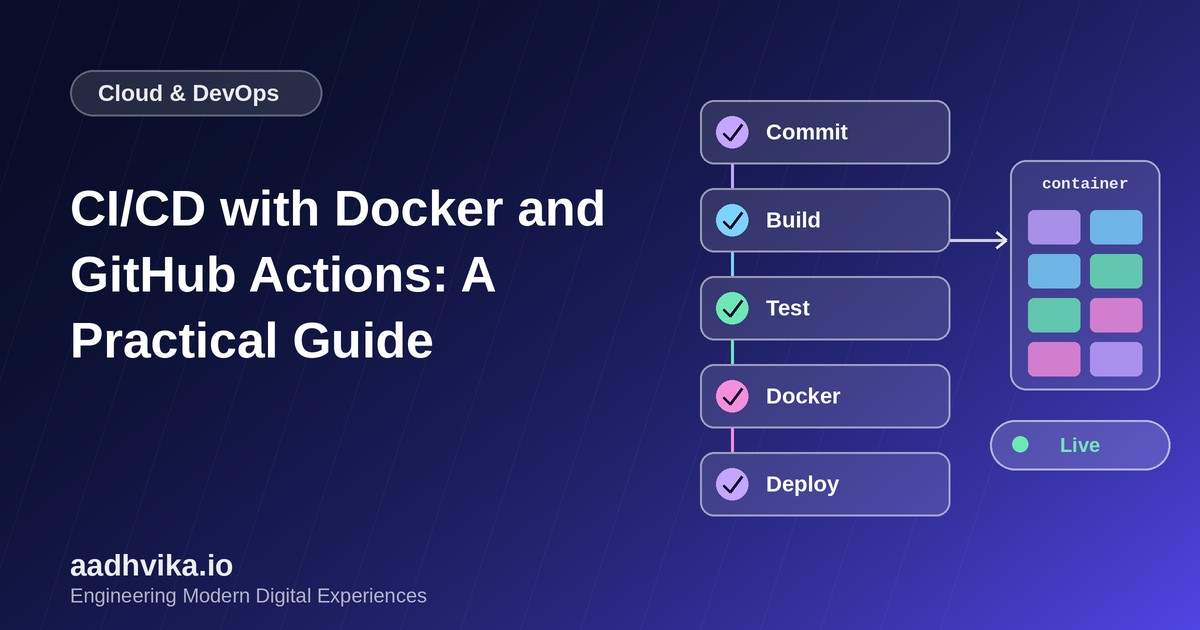
Manual deployments do not scale. Copying files to a server, running commands by hand and hoping nothing breaks is slow, risky and impossible to repeat exactly. A CI/CD pipeline replaces all of that with a single, automated flow: every push is built, tested, packaged as a Docker image and deployed the same way every time.
Why Docker plus GitHub Actions?
Docker gives you an identical runtime everywhere, from a developer laptop to production, which eliminates "works on my machine" problems. GitHub Actions runs your workflow right next to your code, with no extra CI server to maintain and a large marketplace of ready-made actions.
The pipeline at a glance
- Commit: a push or pull request triggers the workflow.
- Build and test: install dependencies, lint and run automated tests.
- Package: build a Docker image and tag it with the commit SHA.
- Publish: push the image to a registry such as Amazon ECR or GitHub Container Registry.
- Deploy: connect to your server or cluster and roll out the new image.
Step 1: A production-ready Dockerfile
Use a multi-stage build so the final image contains only what it needs to run. This keeps images small, fast to pull and safer.
FROM node:20-alpine AS build
WORKDIR /app
COPY package*.json ./
RUN npm ci
COPY . .
RUN npm run build

FROM node:20-alpine
WORKDIR /app
ENV NODE_ENV=production
COPY --from=build /app/dist ./dist
COPY --from=build /app/package*.json ./
RUN npm ci --omit=dev
USER node
CMD ["node", "dist/server.js"]
Step 2: The GitHub Actions workflow
Create .github/workflows/deploy.yml in your repository:
name: CI/CD
on:
  push:
    branches: [main]

jobs:
  test:
    runs-on: ubuntu-latest
    steps:
      - uses: actions/checkout@v4
      - uses: actions/setup-node@v4
        with:
          node-version: 20
          cache: npm
      - run: npm ci
      - run: npm test

  deploy:
    needs: test
    runs-on: ubuntu-latest
    steps:
      - uses: actions/checkout@v4
      - uses: docker/login-action@v3
        with:
          registry: ghcr.io
          username: ${{ github.actor }}
          password: ${{ secrets.GITHUB_TOKEN }}
      - uses: docker/build-push-action@v6
        with:
          push: true
          tags: ghcr.io/${{ github.repository }}:${{ github.sha }}
Step 3: Deploy safely
Add a final step that connects to your server over SSH (or calls your cloud provider's deploy API), pulls the new image and restarts the container. Always keep secrets such as SSH keys and registry credentials in GitHub encrypted secrets, never in the repository.
Best practices we follow
- Cache dependencies and Docker layers to keep pipelines fast.
- Tag images with the commit SHA so every release is traceable and roll-backs are one command.
- Run tests and security scans before the image is published.
- Use environments with required approvals for production deployments.
- Add a health check and automatic roll-back if the new version fails to start.
Conclusion
A good pipeline turns deployment from a stressful event into a non-event. Start with build, test and deploy on the main branch, then add staging environments, approvals and monitoring as your product and team grow.