
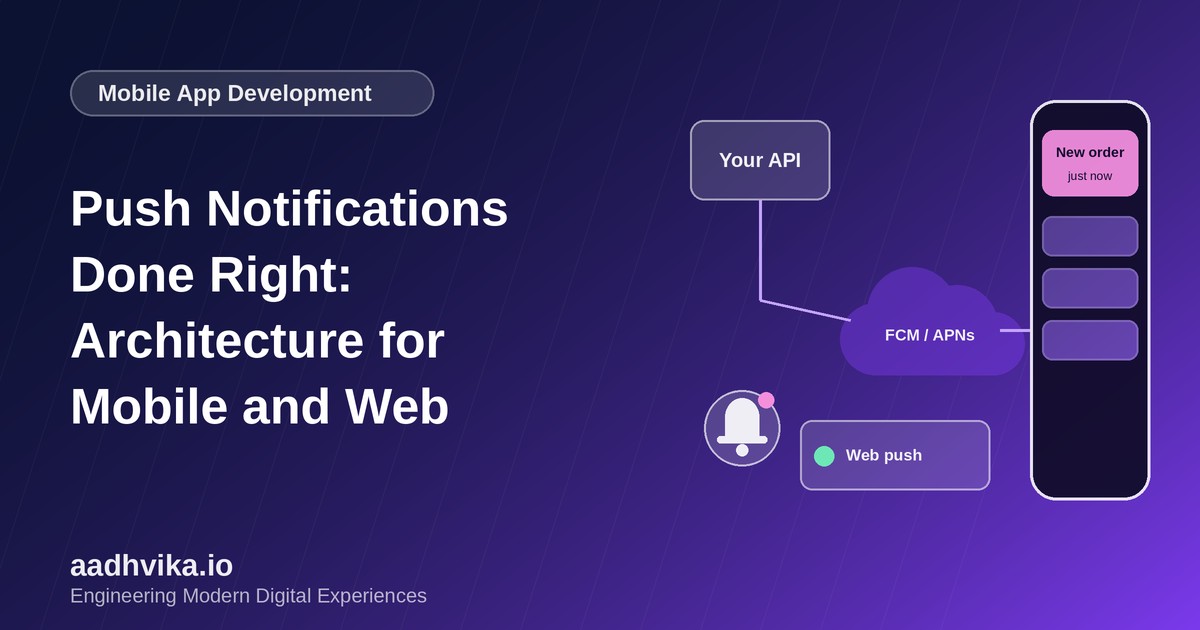
Push notifications are one of the most powerful engagement tools a product has, and one of the easiest to get wrong. Done well, they bring users back at exactly the right moment: an order has shipped, a teammate replied, an invoice is due. Done badly, they get muted within days, or the app gets uninstalled. This article covers how push actually works under the hood and how to design a system that delivers reliably without annoying anyone.
How push notifications work
Your server cannot talk to a phone directly. Instead, every platform runs its own delivery service:
- Android: Firebase Cloud Messaging (FCM).
- iOS: Apple Push Notification service (APNs), which FCM can also front for you.
- Web: the Web Push protocol with a service worker and VAPID keys, supported in modern browsers.
The flow is always the same. The app asks the user for permission and receives a unique device token. It sends that token to your backend. When something worth notifying happens, your backend sends a message to the platform service with that token, and the platform delivers it to the device.
Step 1: Register and store tokens properly
- Store tokens in a dedicated table linked to the user, device and platform, with a last-seen timestamp.
- A user can have several devices, so notify all active devices or the most recent one, depending on the message.
- Tokens change and expire. Refresh them when the app starts, and delete tokens the provider reports as invalid.
- Remove a token on logout so the next person using a shared device does not receive the previous user's notifications.
Step 2: Build a reliable delivery pipeline
Do not send notifications directly from your request handlers. Publish an event to a queue, and let a worker turn it into notifications.
- An application event such as "order shipped" is published to a queue.
- A notification service decides who should receive it, checking preferences and quiet hours.
- It renders the message from a template, in the user's language.
- Workers send it to FCM, APNs or Web Push in batches, with retries and exponential backoff.
- Delivery results and errors are logged, and invalid tokens are cleaned up.
Make sending idempotent with a unique notification ID so retries never produce duplicates.
Step 3: Ask for permission at the right time
Do not request notification permission the moment the app opens. Users say no to prompts they do not understand, and on iOS you usually only get one chance. Explain the value first with an in-app message such as "Get an alert when your order ships", and request the system permission only when the user agrees.
Step 4: Respect the user
- Offer granular controls by category (orders, mentions, marketing) rather than a single on or off switch.
- Send only relevant, timely and actionable messages, and cap the frequency.
- Respect time zones and quiet hours.
- Group related notifications, and clear or update them when the user has already seen the content in the app.
Step 5: Handle taps and deep links
Every notification should open the exact screen it refers to. Include a deep link or route in the payload, handle both cold starts and background resumes, and check the user is signed in and authorised before showing the content.
Step 6: Keep payloads safe and small
Payload size limits are small, and notifications can appear on lock screens. Send an identifier and a short message, avoid sensitive details such as full account numbers or one-time codes in visible text unless the user has opted in, and fetch full data after the app opens.
Measure what matters
- Delivery, open and opt-out rates per notification type.
- Permission grant rates, so you can test different pre-permission prompts.
- Uninstalls and notification disables after sends, which show when you have gone too far.
Conclusion
A great notification system is equal parts infrastructure and empathy: queued, idempotent delivery on the backend, and relevant, respectful messages on the front. Get both right and push becomes a channel users actually value.