
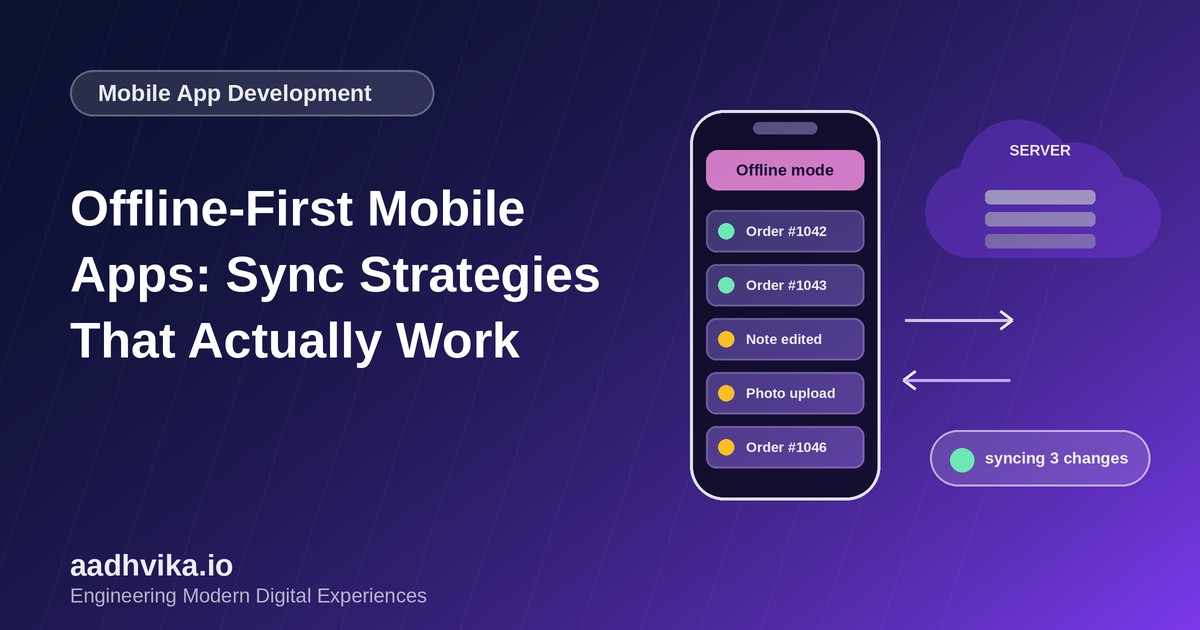
Mobile users do not live on perfect Wi-Fi. They ride elevators, travel through tunnels, work in warehouses and use apps in areas with patchy coverage. An app that shows a spinner or an error the moment the network drops feels broken, however good the rest of it is. Offline-first design flips the model: the app works against a local database first and synchronises with the server in the background.
What "offline-first" really means
Offline-first does not mean "works offline as an afterthought". It means the local device is the primary place the UI reads from and writes to. The network becomes an optimisation for keeping devices and the server in agreement, not a requirement for every tap.
Step 1: Choose a solid local store
- SQLite (via Room on Android, Core Data or GRDB on iOS, or drift and WatermelonDB in cross-platform apps) is the reliable default for structured data.
- Key-value stores such as MMKV suit small settings and caches.
- Store files and images on disk and keep only their references in the database.
Step 2: Read from the database, always
Have the UI observe local data, and let a repository layer refresh it from the API in the background. The screen renders instantly from cached data, then updates automatically when fresh data arrives. This single change removes most loading spinners.
Step 3: Queue writes instead of sending them directly
When the user creates or edits something, save it locally straight away and add a record to an outbox (a sync queue) describing the pending change. A background worker sends the queue to the server whenever connectivity is available.
- Give every locally created record a client-generated unique ID (such as a UUID) so it can be created offline without waiting for the server.
- Make server endpoints idempotent so a retry after a timeout never creates duplicates.
- Retry with exponential backoff and stop retrying permanently failing requests after a limit.
- Use platform schedulers such as WorkManager and BackgroundTasks so sync survives app restarts.
Step 4: Pull changes efficiently
Do not download everything each time. Ask the server for records changed since the last sync using a cursor or timestamp, and mark deleted records with a soft-delete flag (a tombstone) so deletions also reach other devices.
Step 5: Decide how to handle conflicts
Conflicts happen when two devices edit the same record while offline. Choose a strategy that fits your data:
- Last write wins: simple, but can silently overwrite someone's work. Fine for low-stakes fields.
- Field-level merge: merge non-overlapping changes to different fields of the same record.
- Manual resolution: show the user both versions when the data is important.
- CRDTs: conflict-free data types for real-time collaborative content.
UX details that make it feel right
- Show a subtle offline indicator and a "pending sync" state, not a blocking error.
- Let users keep working, and confirm when their changes have synced.
- Test on flaky networks using network link conditioners, airplane mode and slow 3G profiles.
Conclusion
Offline-first takes more upfront design than a simple request-and-response app, but the payoff is an app that feels fast and dependable everywhere. Start with local reads, add a write queue and pick a conflict strategy that matches how your users actually work.